
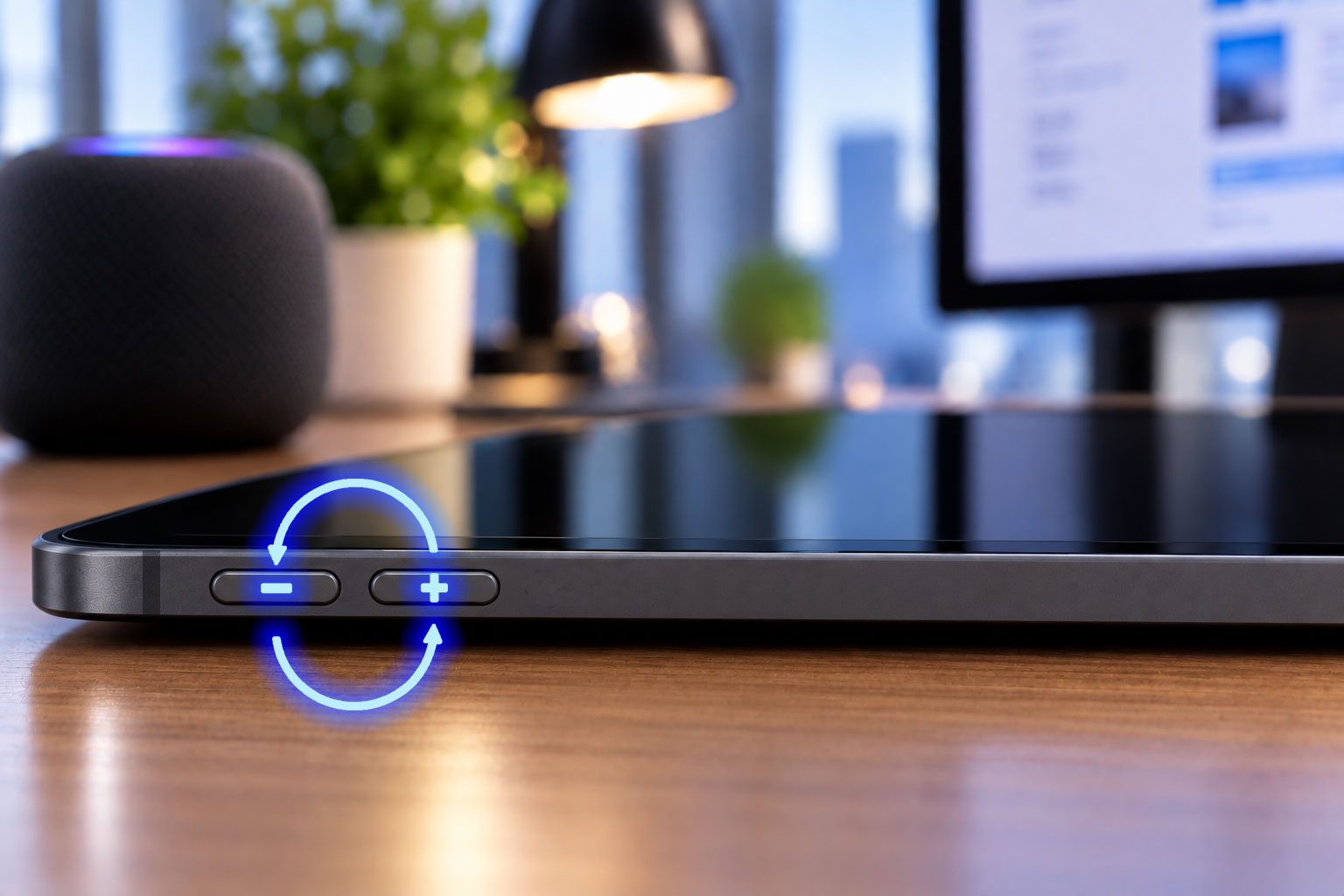
Starting with iPadOS 15.4, Apple has changed how the volume buttons work on iPads, dynamically adapting them either to the screen’s orientation when the screen is on or to the device’s physical position when the screen is off…
Initially, a preference in System Settings allowed users to disable this behavior, but Apple made it mandatory starting with iPadOS 26 and, consequently, in iPadOS 27 as well.
This shift from physical buttons with specific functions to adaptive “smart buttons” might seem ingenious, but it turns out to be an ergonomic mistake because it cannot account for all possible uses of an Apple tablet, especially when the screen is off.
And, surprisingly, it turns out that people often listen to audio under these conditions!
Another issue to consider is that the volume buttons are used differently on older iPhones and iPads, which can lead to confusion and mistakes when switching between devices.
How the iPad's Dynamic Volume Buttons Work
Important: It is important to distinguish between the physical orientation of your device—vertical or horizontal—and the display orientation of the screen—vertical or horizontal.
Screen on, iPad in portrait or landscape orientation
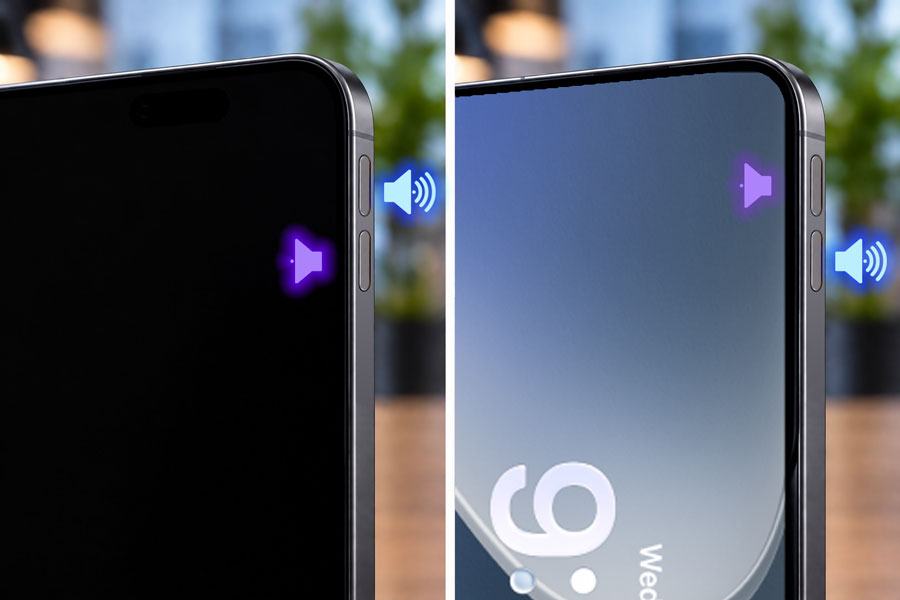
- If the display is in portrait mode, the volume-up button is always the top one.
- If the display is in landscape mode, regardless of whether the buttons are on the top or bottom of the iPad, you always use the button on the far right to increase the volume.
Screen off, iPad in a vertical position (≈ more than 30°)
- The volume buttons adjust based on the device's physical orientation and therefore do not necessarily correspond to the orientation of the display used previously.
Screen off and iPad lying flat (≈ less than 30°)
- In this case, the volume buttons theoretically retain their functions based on the last display orientation used (with the exceptions noted below).
Unfortunately, these three main rules for using the iPad's dynamic volume buttons don't cover all the possible ways to use your device!
Screen off: Apple isn't just blinding us—it's driving us crazy!
An Apple engineer may have woken up one day with a revolutionary idea: What if the physical volume buttons dynamically adapted to how I was using my iDevice?
Meeting after meeting, a team of smart people embraced this idea and instructed the developers to program this new behavior for the iPad (but not for the iPhone).
It seems that no one took into account all the special cases that arise when using these buttons while the screen is off…
The design and adaptive ergonomics specialists at Apple don’t seem to have considered the millions of users who place their devices in various positions to listen to music, a podcast, or the radio with the screen off.
Personally, not a week goes by without the “pseudo-intelligent” behavior of my iPad’s volume buttons failing me and causing me to make mistakes.
Before, I knew 100% which button turned the volume up or down; now, under certain conditions, their behavior is random and unpredictable.
Here are a few common examples where the dynamic assignment of volume buttons may be less predictable:
- Case of an iPad that is turned off and lying flat.
When you want to adjust the volume on a device with the screen off and lying flat, it is essential to remember the orientation in which it was last used with the screen on.
Another user therefore cannot know for certain which action each volume button will perform.
The same uncertainty applies to the primary user if screen orientation was unlocked: the volume buttons may have adjusted depending on how the user placed the device! - What to do if a powered-off iPad is moved.
When you change the position of a powered-off iPad, depending on the angle (+/-30°) at which it is held, the volume buttons may function differently. - Example of an iPad placed vertically on its narrow side.
For a user lying down in a bed or on a couch: If the device is used with the display in landscape mode, when the screen turns off, the volume buttons are reversed… but if the device is laid flat, the buttons may have different functions.
Why Apple's Adaptive Volume Buttons on the iPad Make No Ergonomic Sense
The dynamic assignment of volume buttons devised by Apple does not work in all situations and leads to incorrect operations, whereas a physical button assigned to a specific action never changes.
Starting from a well-established, 100% reliable method, Apple introduced a “pseudo-intelligent” feature that, ironically, creates situations where we don’t know what the result of pressing a button will be!
Apple’s approach—which seeks to replace a proven form of human-machine interaction with a (flawed) form of artificial intelligence—unfortunately foreshadows a broader trend.
The dynamic adaptation of buttons on a device like the iPad does not necessarily simplify its use; rather, it forces the user to contend with imperfect rules that prove disruptive and lead to errors.